Scanner mode
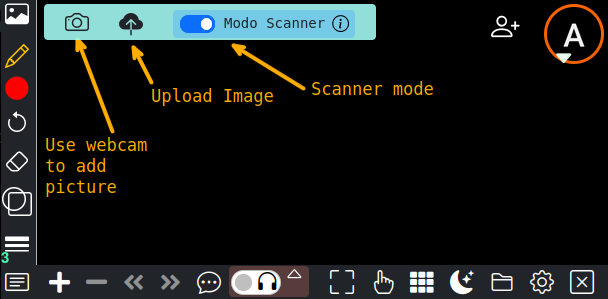
When using the fast upload images button, you can enable the option of scanner mode, this is useful if you are adding a picture of a paper or notebook page with drawing and hand notes.
With scan mode, the image will be processed to remove background of the paper and change the perspective if needed for example :
| Original Image | After whiteboard scanning process | |
|---|---|---|
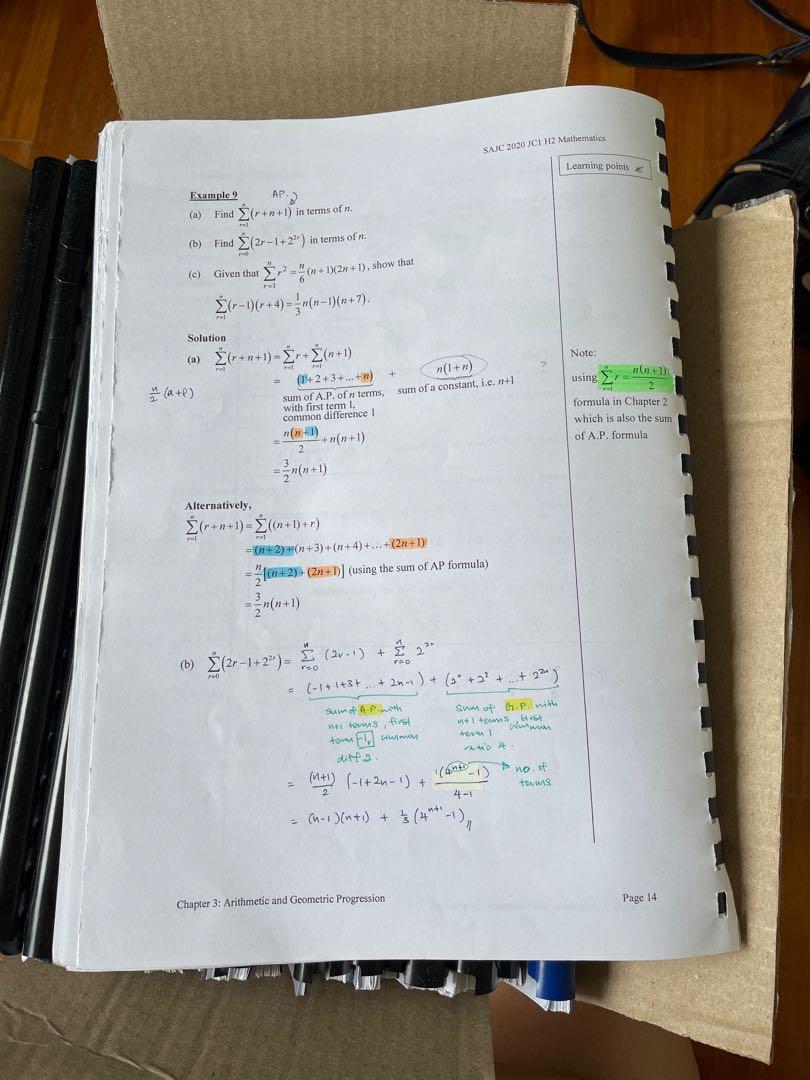 | 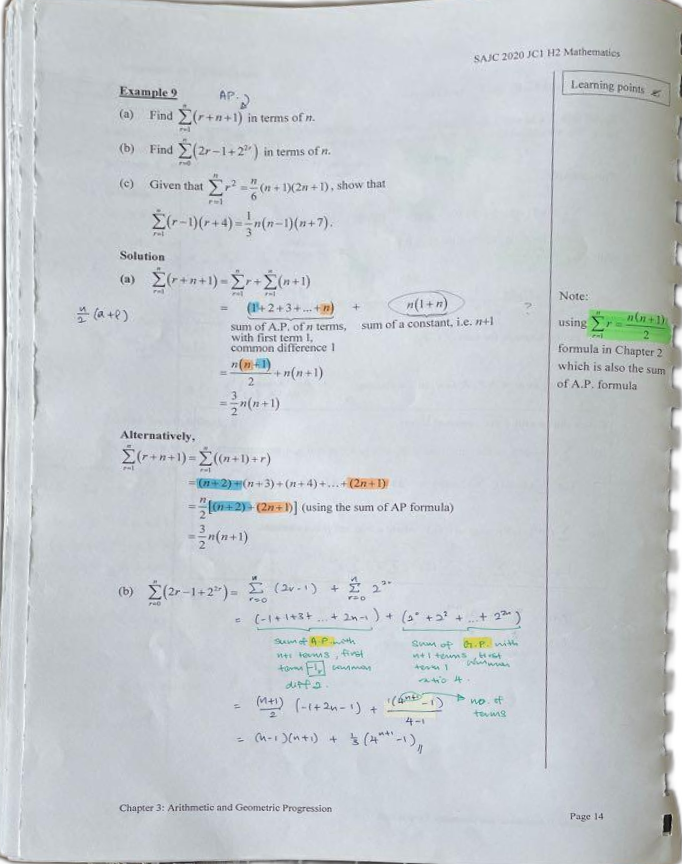 | |
 | 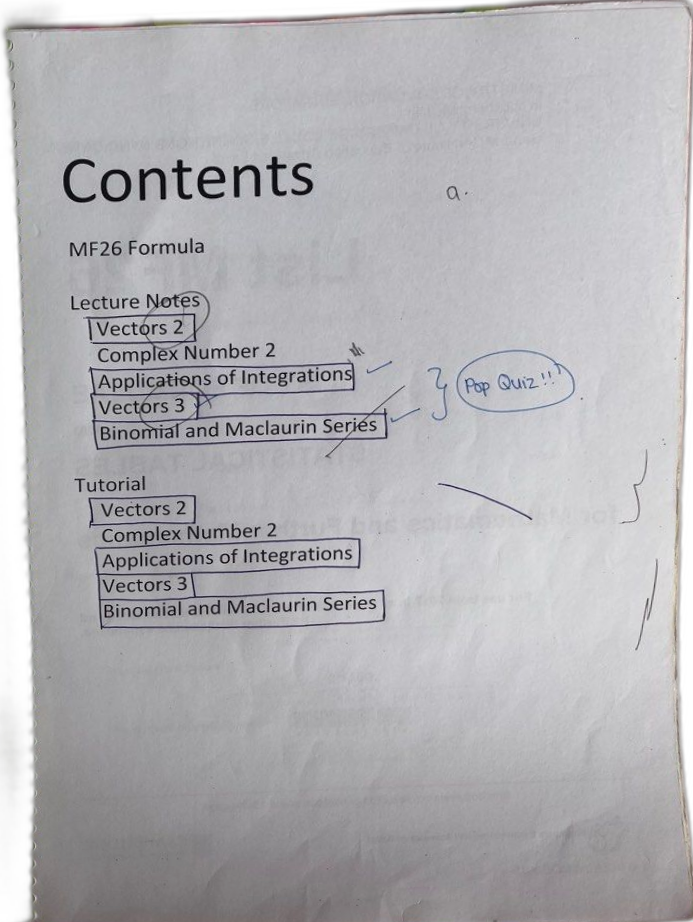 |
You will have best results if the four edges of the paper is visible in the picture.